

Archive · 15 Aug 2025
Fake CAPTCHA Scams: How 'I'm not a robot' infects devices
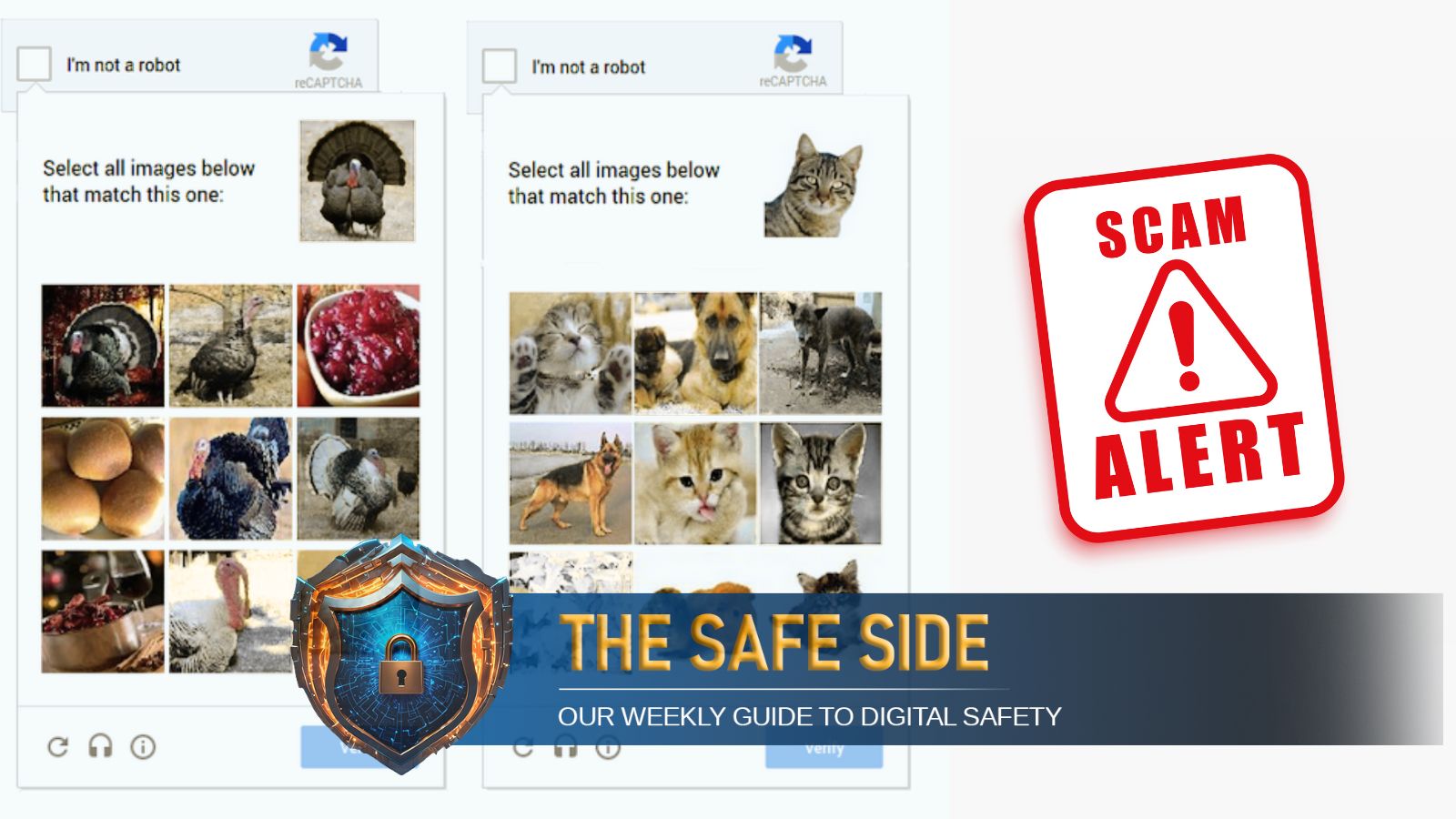
Imagine you're trying to visit a website, and it asks, "Are you a robot?"
You click the box, but it's a trick!
Fake CAPTCHAs, disguised as the real thing, can trick you into downloading viruses.
Criminals create these fake tests to make you click things or download files that secretly install malware.
Always be careful: If something seems off, like asking for weird permissions or downloading files, it's probably fake.
If you suspect a fake CAPTCHA, leave the site immediately and check your device for viruses.

Fake CAPTCHA scams trick users into downloading malware by mimicking real CAPTCHA tests.
Cybercriminals use compromised websites, malicious ads, and phishing emails to distribute fake CAPTCHAs.
One tactic involves instructing users to execute a hidden command that downloads the Lumma Stealer malware.
Distinguishing features include unrelated actions like enabling notifications or checking the URL for misspellings.
Users should exit suspicious sites, disconnect from the internet, and run antivirus scans if they encounter a fake CAPTCHA.
- Who
- Cybercriminals targeting internet users.
- What
- Fake CAPTCHA scams trick users into downloading malware.
- When
- N/A
- Where
- Online, through websites, ads, and emails.
- Why
- To steal credentials, install spyware, or gain remote access to devices.
- CAPTCHA
- Completely Automated Public Turing test to tell Computers and Humans Apart
- Threat
- Fake CAPTCHAs
- Delivery Methods
- Compromised websites, malicious ads, phishing emails
- Malware Example
- Lumma Stealer
- User Actions
- Clicking 'Allow' for notifications, executing hidden commands
- Warning Signs
- Unusual URLs, unrelated tasks, pop-ups