

Archive · 28 Jan 2026
WhatsApp Launches Strict Account Settings for High-Risk Users
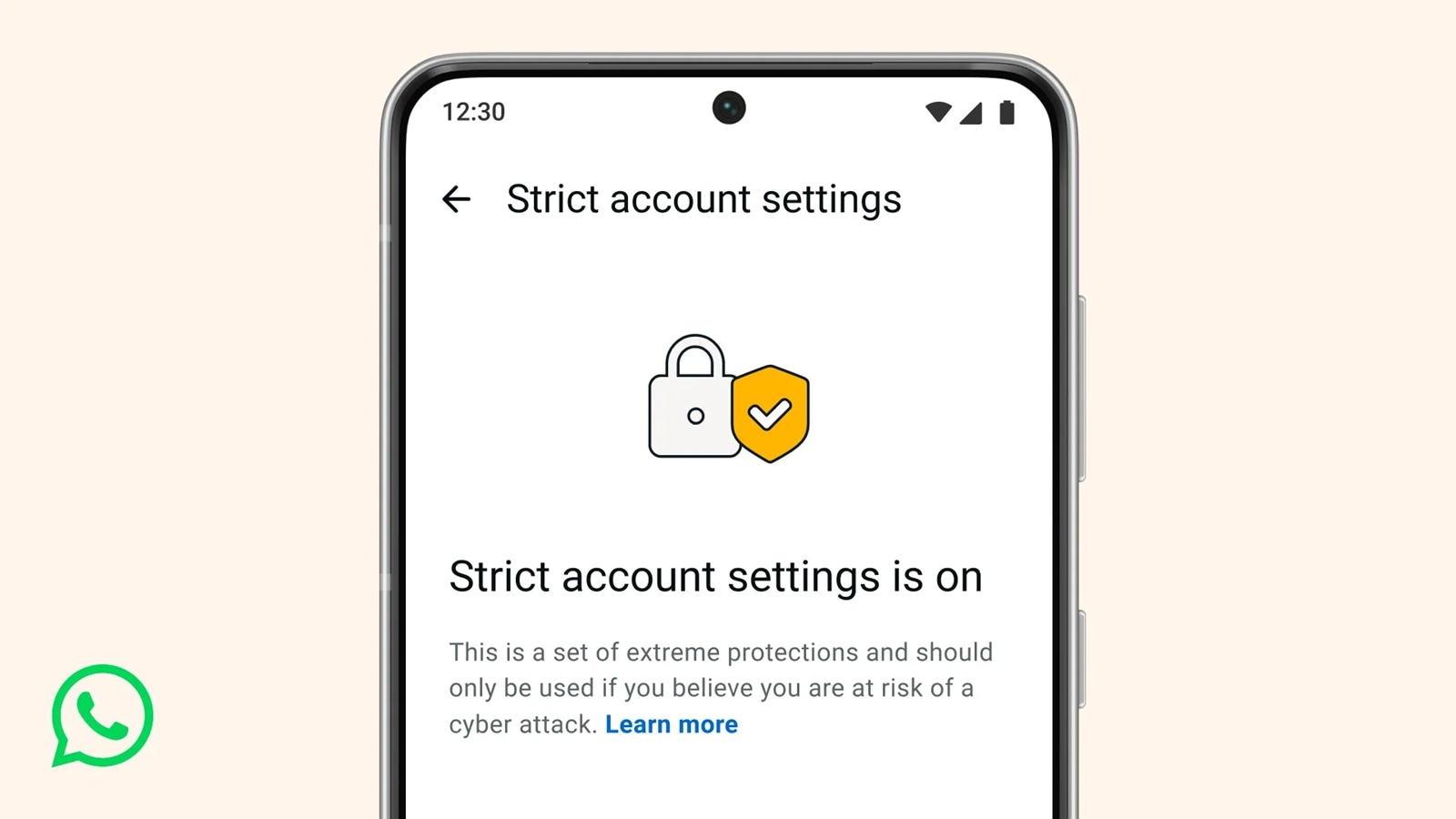
WhatsApp is adding a new feature called Strict Account Settings to help keep some users extra safe.
This feature is like a special shield for people who might be targeted by hackers, like journalists or famous people.
When you turn it on, it blocks pictures and files from people you don't know, hides link previews, and silences calls from people not in your contacts.
This makes it harder for hackers to get into your account.
WhatsApp already keeps all messages private with something called end-to-end encryption, but this new feature adds another layer of protection for those who need it most.
It's similar to features like Apple's Lockdown Mode and Android's Advanced Protection Mode, which also trade some convenience for extra security.

WhatsApp introduces Strict Account Settings for enhanced security.
Feature activates via one-click button in settings menu.
Blocks media from unknown senders and disables link previews.
Silences calls from contacts not saved in the user's phone.
Targeted at high-risk users like journalists and public figures.
- Who
- WhatsApp (Meta's messaging service)
- What
- Introduction of Strict Account Settings feature
- When
- Gradual rollout in the coming weeks
- Where
- Global, via WhatsApp app
- Why
- To provide advanced security for high-risk users against sophisticated cyberattacks
- Feature Name
- Strict Account Settings
- Type
- Lockdown-style feature
- Activation
- One-click button in settings
- Security Measures
- Blocks media from unknown senders, disables link previews, silences calls from unsaved contacts
- Target Users
- Journalists, public figures, high-risk individuals
- Rollout
- Gradual rollout in coming weeks
- Default Encryption
- End-to-end encryption for all users
Sources
WhatsApp rolls out high-security feature ‘Strict Account Settings,’ offers stronger protection

WhatsApp Unveils High-Security Mode: Here’s What It Does For Stronger Protection

WhatsApp launches 'Strict Account Settings': How to enable the new lockdown-style mode?
WhatsApp Strict Account Settings Feature Released: What Is It And How To Turn It On
