1 hr ago
Apple Makes iOS 27 More Prominent in iPhone Updates
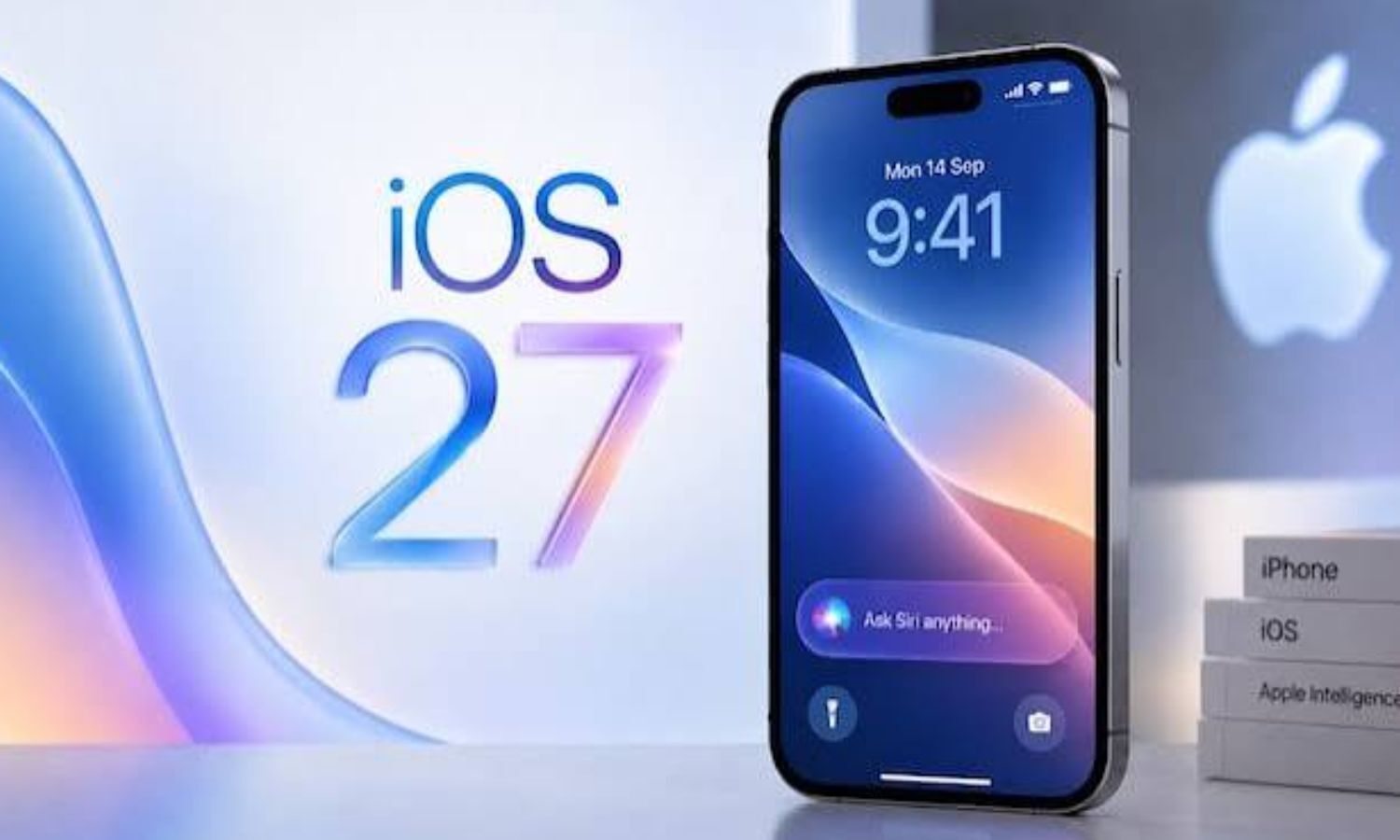
Apple has made its newer iPhone software, iOS 27.0.1, easier to find.
It now appears first on the Software Update screen.
People do not have to switch to it right away.
They can stay on iOS 26 and install iOS 26.7.1 instead.
That older update includes security fixes to help protect the phone.
People who choose to upgrade can follow the instructions in Settings.
The article recommends using Wi-Fi and backing up important information before installing.
Apple has not said how many people have installed iOS 27.

Apple has moved iOS 27.0.1 to the top of the iPhone Software Update page.
The older iOS 26.7.1 remains available under the “Also Available” section.
Users who do not want to upgrade can install iOS 26.7.1, which includes security fixes.
The article says Apple released iOS 27 on September 14 and does not provide installation figures.
To install iOS 27.0.1, users can go to Settings > General > Software Update; backing up data first is recommended.
- Who
- Apple and iPhone users.
- What
- Apple has placed iOS 27.0.1 first on the Software Update page while keeping iOS 26.7.1 available.
- Where
- The iPhone Settings > General > Software Update page.
- When
- The change is described as current; the article says iOS 27 was released on September 14.
- Why
- The change makes the newer software easier to find; users who stay on iOS 26 are advised to install its security update.
Wait on iOS 27
Install iOS 27
Whether to upgrade now
Wait on iOS 27
Users comfortable with iOS 26 may wait, allowing more time for potential problems with the newer release to become apparent.
Install iOS 27
Users ready to upgrade can install iOS 27.0.1, which Apple has made easier to find.
Staying secure while waiting
Wait on iOS 27
Users can remain on iOS 26, but the article advises installing iOS 26.7.1 for its security fixes.
Install iOS 27
Users can move to iOS 27.0.1 rather than remain on the older system.
Key facts
- Featured update
- iOS 27.0.1
- Alternative update
- iOS 26.7.1, listed under “Also Available”
- iOS 27 release date
- September 14
- Security
- The article says iOS 26.7.1 includes security fixes.
- Installation path
- Settings > General > Software Update
- Preparation advice
- Use stable Wi-Fi, keep the battery at least 50% charged or connect a charger, and back up important data.
- Installation figures
- Apple has not shared official figures on iOS 27 installations.
Sources
Related news

iOS 27 Arrives Monday: How to Prepare Your iPhone

Apple Releases iOS 27 Update for Eligible iPhones Tonight
Apple Releases iOS 27 With AI Siri and New Features

Apple Details iOS 27 Release With AI-Powered Siri
Apple Releases iOS 27.0.1 Fixing Face ID, Camera, Touchscreen Bugs

India Warns Apple Users About Sophisticated Attacks, Urges Immediate Updates

Thief Steals iPhone in Dehradun, Then Requests Owner's Passcode

Assam CM's Playful Reply to iPhone Request Goes Viral
India’s Smartphone Export Boom Is Dominated by Apple
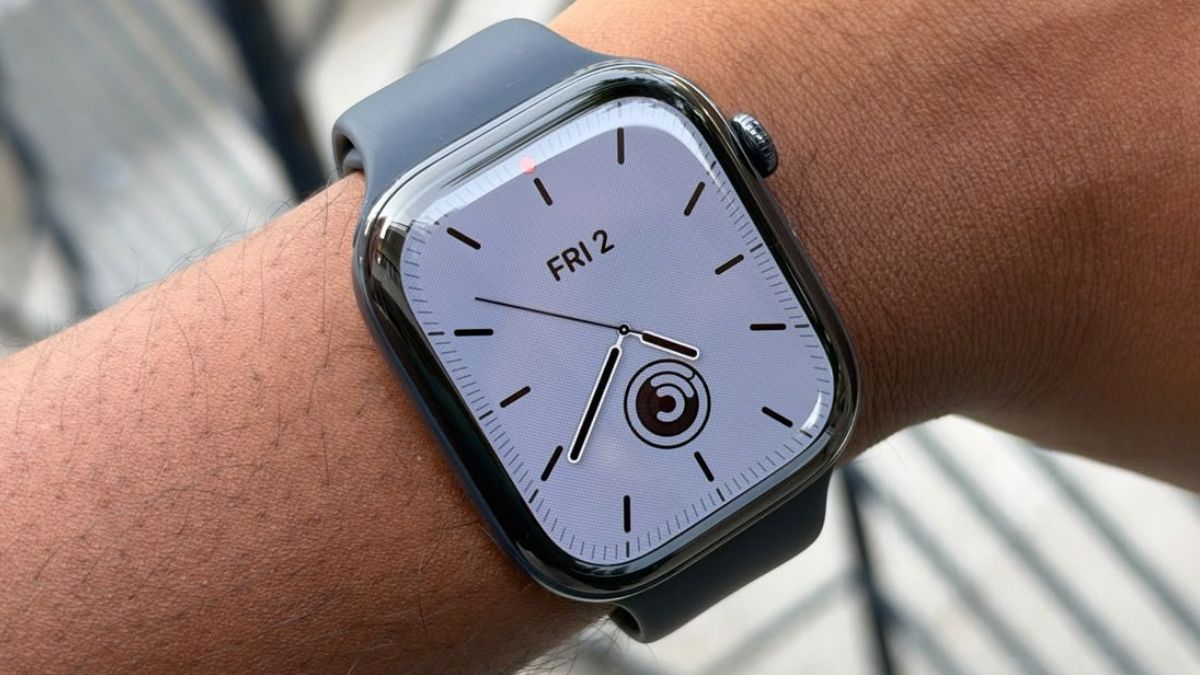
Apple Watch Series 12 Hides Major Health Upgrades Underneath