

Archive · 5 Jun 2025
Adding Friends on Nintendo Switch 2: Simple Guide
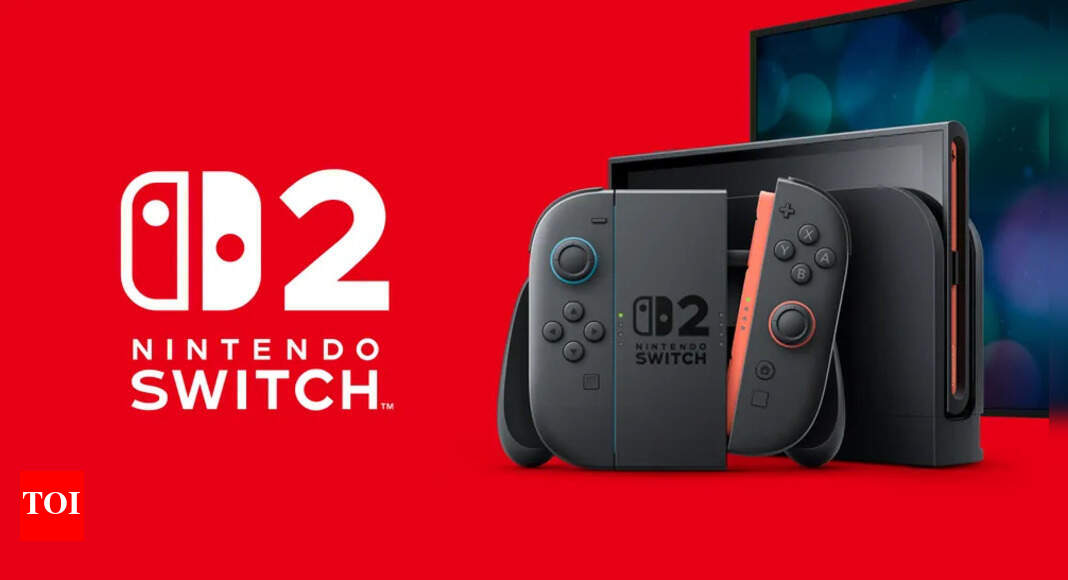
Adding friends on the Nintendo Switch 2 is made simple with a few methods.
You need a Nintendo Account to start, allowing you to connect with friends.
You can use unique Friend Codes, add people you've played with, or find nearby players.
The Switch 2 also suggests friends and allows adding people through QR codes on your phone.
Manage your friends with options to favorite, block, or remove them.

Connect a Nintendo Account to add and manage friends.
Use a 12-digit Friend Code to send and receive friend requests.
Add friends nearby without Wi-Fi by searching for local users.
The Switch 2 suggests friends based on your linked Nintendo account.
Utilize the Nintendo Switch App to scan QR codes for adding friends.
- Who
- Nintendo Switch 2 users.
- What
- Methods for adding friends.
- When
- Now, when you are using your Switch 2.
- Where
- On the Nintendo Switch 2 and related mobile applications.
- Why
- To enhance the gaming experience and allow social interaction.
- Friend Code Format
- SW- followed by 12 digits
- Friend Adding Methods
- Friend Codes, Users Played With, Nearby Players, Suggested Friends, QR Codes
- Nintendo Account Connection
- Required to add and manage friends
- Mobile App Integration
- Allows syncing with Switch 2 for friend suggestions
- Friend List Features
- Allows favoriting, blocking, or removing friends