

Archive · 18 Aug 2026
5 ways to boost your home Wi-Fi speed and connection
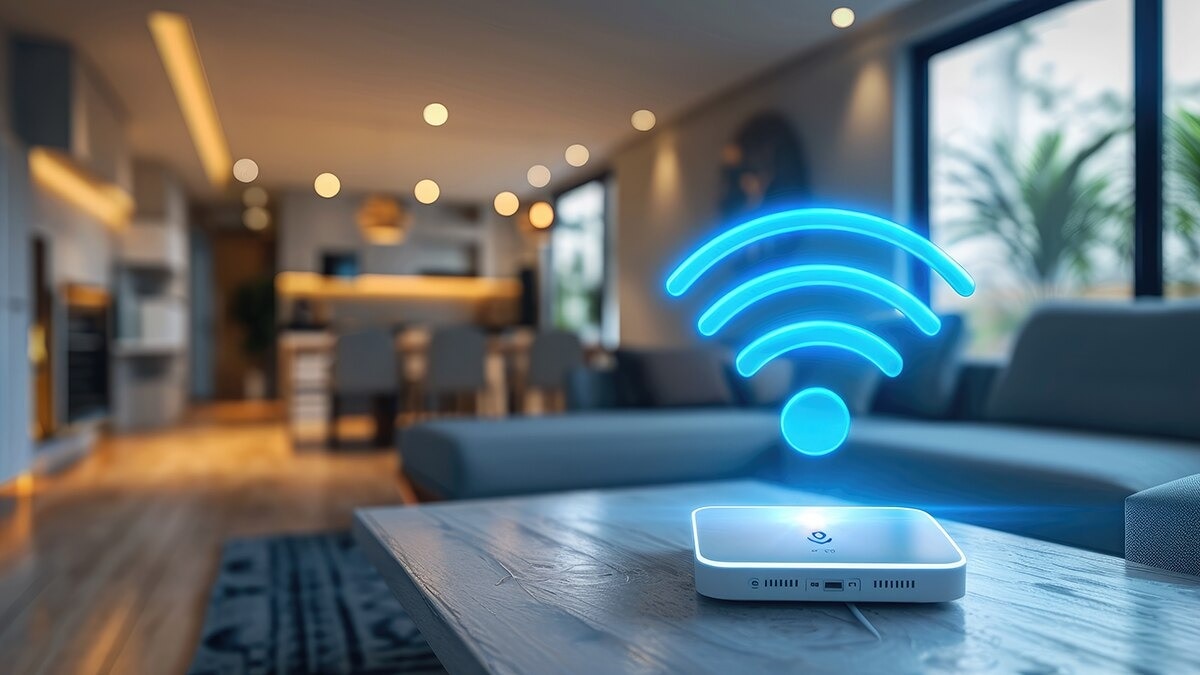
Wi-Fi is how your phone, computer, and other gadgets connect to the internet without wires.
A router is the box that sends the Wi-Fi signal around your home.
Sometimes the internet feels slow, but there are easy things you can try.
First, put the router in the middle of your home so the signal can reach everywhere.
Keep it away from walls and big appliances like microwaves, which can block the signal.
Many routers have two bands, like two different roads for data.
The 5GHz band is faster and good for video calls and games, while 2.4GHz travels farther.
Restarting the router every few days can also help it work better.
If too many devices are connected, remove the ones you do not use.
If nothing helps, the router might be old, and a new one or a call to your internet company could fix it.

Keep the router in a central location, away from walls, obstructions, and appliances like microwaves.
Switch to the 5GHz band for faster connections such as video calls and gaming; use 2.4GHz for distant devices.
Restart the router every few days to reduce speed or latency issues and prevent overheating.
Remove unused devices through the router's device-management section to free up network capacity.
If speeds stay slow, consider upgrading an outdated router or asking your internet service provider about network 'black areas.'
- Who
- People experiencing slow home internet connections
- What
- Five practical tips to boost Wi-Fi speed and connection quality
- When
- Not specified in the article
- Where
- At home
- Why
- To improve slow internet speeds and strengthen wireless connections
- Router placement
- Central location, away from walls, obstructions, and microwaves
- Wi-Fi bands
- 2.4GHz and 5GHz on dual-band routers
- 5GHz band
- Faster speeds for video calls and gaming
- 2.4GHz band
- Better for devices farther from the router
- Reboot frequency
- Every few days to reduce latency and overheating
- Device management
- Remove unused devices via the router app
- Outdated router
- Upgrading to a newer model may help
- ISP support
- Ask provider about network 'black areas' around the home