

Archive · 20 Jun 2025
Meta Introduces Passkeys to Enhance Facebook, Messenger Security
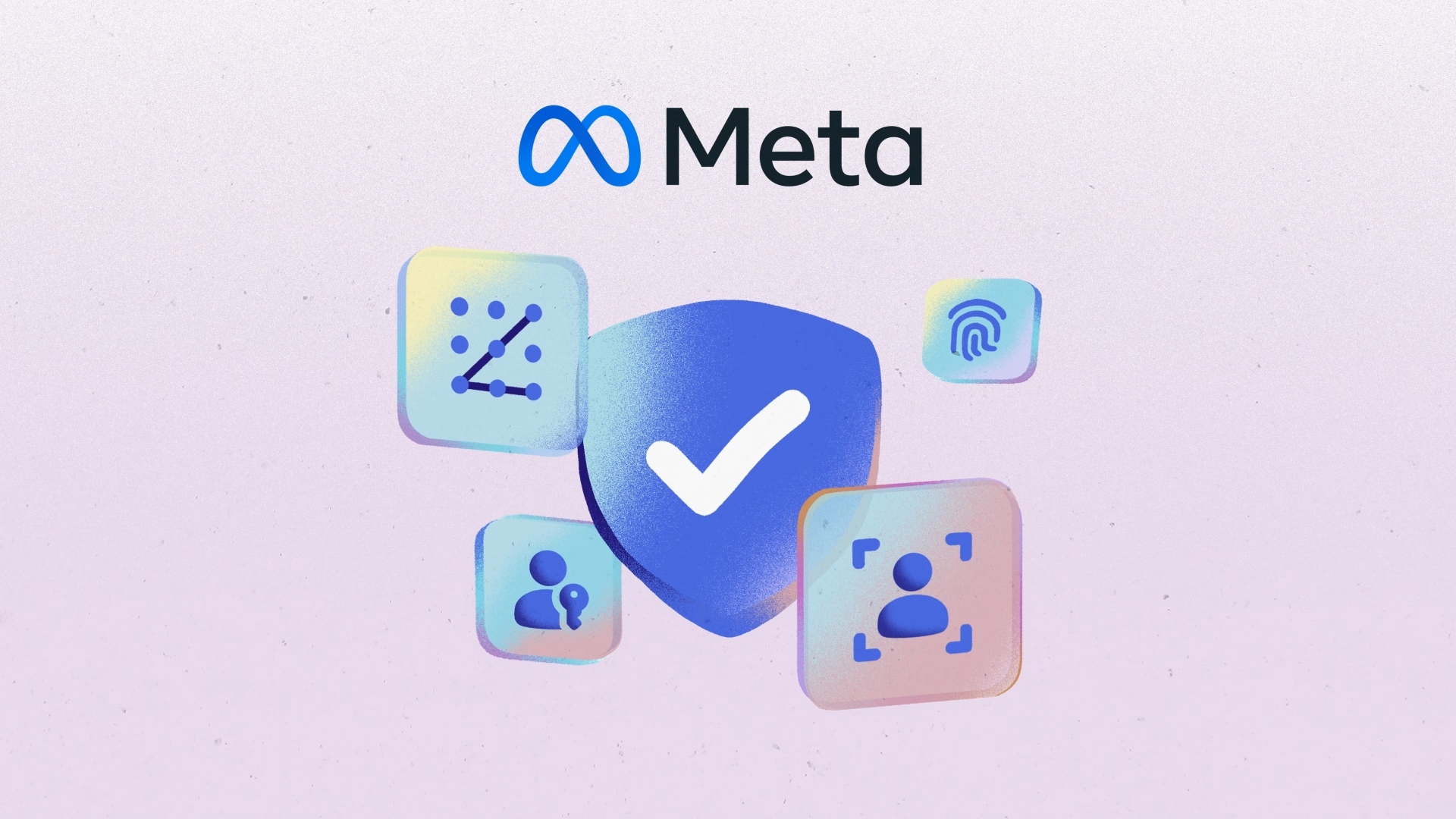
Meta is making your Facebook and Messenger accounts safer with passkeys, which are like super-secure keys to log in.
Instead of typing passwords, you'll use your fingerprint or face to prove it's you.
Passkeys stop sneaky hackers from stealing your info, because they can't be copied or reused.
This makes it easier and faster to log in and keeps your account details private.
You can set up a passkey in your account settings.

Meta is introducing passkeys on Facebook and Messenger to enhance security.
Passkeys use biometrics, like fingerprints and facial recognition, for authentication.
Passkeys are immune to phishing attacks and stored locally on a user's device.
Enabling passkeys simplifies logins and protects against data breaches.
Users can set up passkeys via the Accounts Center menu in Settings.
- Who
- Meta is implementing the change for its users.
- What
- Meta is introducing passkeys on Facebook and Messenger.
- When
- Facebook will have the feature soon, with Messenger updates in the next few months.
- Where
- On Facebook and Messenger.
- Why
- To enhance security and protect against phishing and data breaches.
- Platform
- Facebook, Messenger
- Feature
- Passkeys
- Authentication Method
- Biometrics (fingerprint, facial recognition)
- Security Benefit
- Immune to phishing attacks
- Storage
- Local, on user's device
- Setup Location
- Accounts Center in Settings