

Archive · 13 Jun 2025
Visa Releases Digital Payment Safety Tips for Fathers
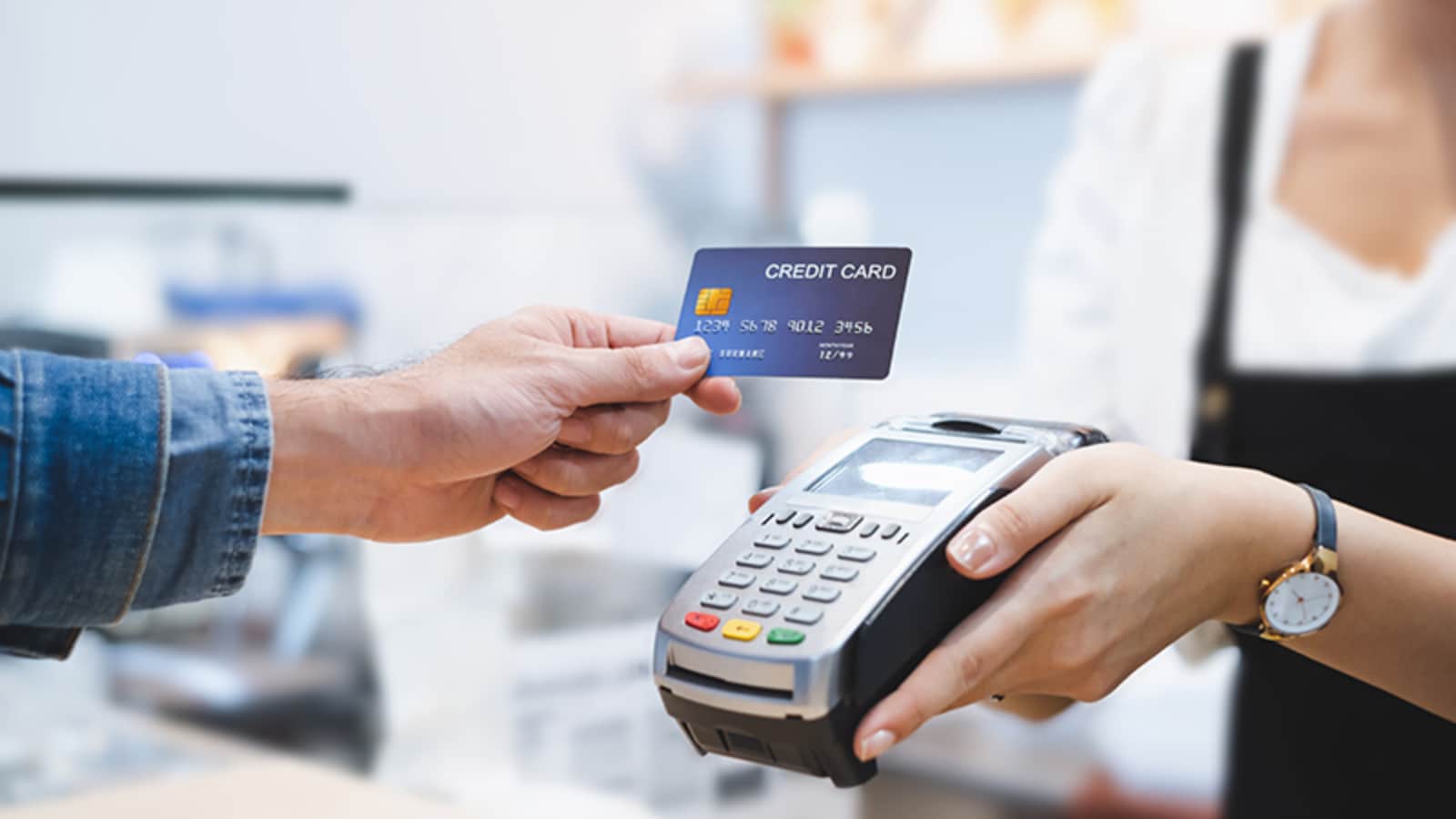
This Father's Day, Visa is helping dads stay safe with digital payments.
They shared some easy-to-remember acronyms to keep your money safe.
First, TAP: only trust secure places, avoid bad Wi-Fi, and protect your accounts.
Next, LOCK: learn about scams, watch out for tricky websites, check your bank statements, and keep your payments locked down.
Then, CARE: make sure websites are secure, use your fingerprint to pay, check your bank statements, and protect your info.
Finally, ACT Fast: If something goes wrong, tell your bank, call the police, and stop anyone from using your money.

Visa provides acronyms to help fathers make smarter and safer payment decisions.
TAP: Trust verified terminals, Avoid unsecure Wi-Fi, Protect funds with 2FA.
LOCK: Learn about scams, Observe payment pages, Check transaction alerts, Keep payments secure.
CARE: Check for secure URLs, Authenticate payments, Review statements, Ensure privacy.
ACT Fast: Alert bank, Contact authorities, Terminate access to funds when fraud occurs.
- Who
- Visa and fathers.
- What
- Visa offers digital payment safety tips for fathers.
- When
- Released on Father's Day.
- Where
- N/A
- Why
- To promote smart and safe digital payments.
- Provider
- Visa
- Target Audience
- Fathers
- Focus
- Smart and secure digital payments
- Key Acronym 1
- TAP (Trust, Avoid, Protect)
- Key Acronym 2
- LOCK (Learn, Observe, Check, Keep)
- Key Acronym 3
- CARE (Check, Authenticate, Review, Ensure privacy)
- Key Acronym 4
- ACT Fast (Alert, Contact, Terminate Fast)