

1 week ago
Why Galaxy Z Fold 8 Changes Smartphone Use
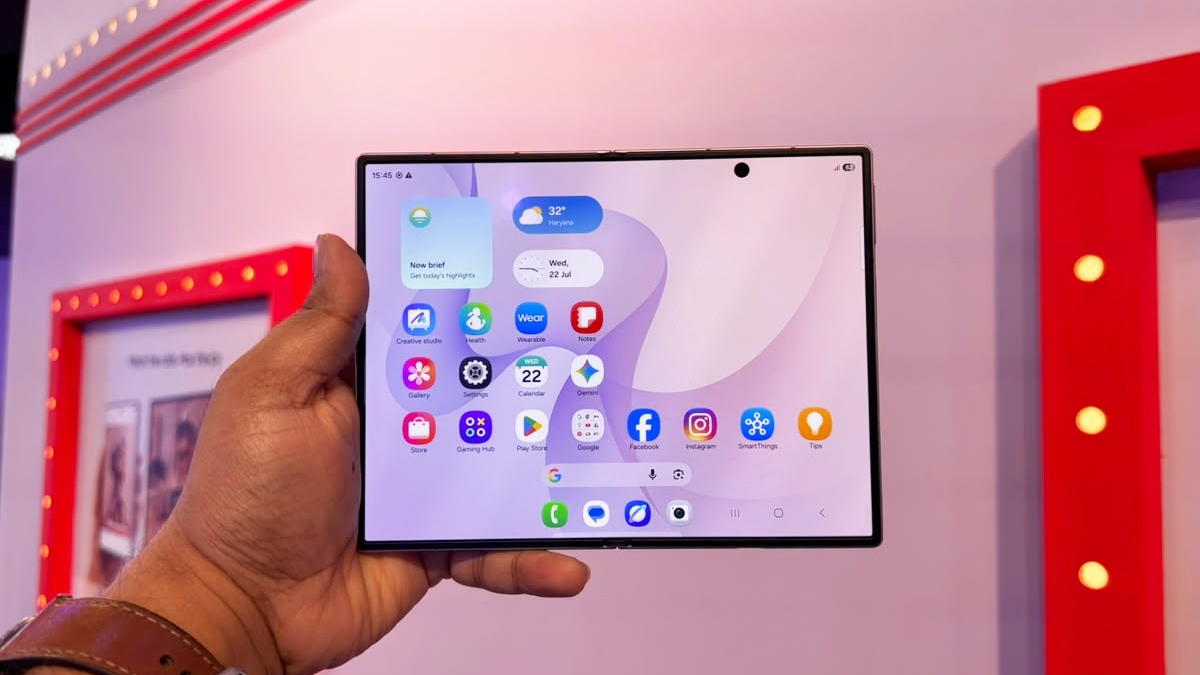
The Galaxy Z Fold 8 opens into a much larger screen than a regular phone.
This lets two apps sit next to each other, so you can drag a picture or text from one app into another.
Websites and spreadsheets can also look more like they do on a computer.
You can sometimes keep three apps visible at the same time.
The phone can stand partly folded during a video call.
Its lower screen can then show notes or documents.
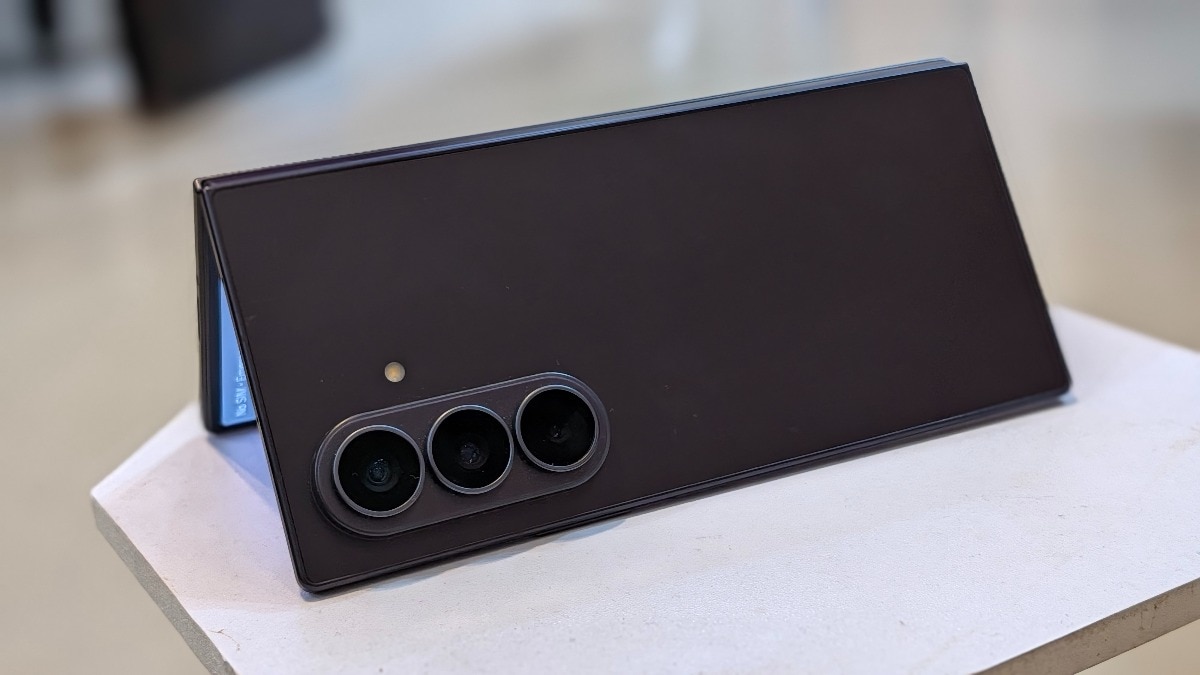
The hinge can also help the phone take photos without a separate stand.
The outside screen lets people preview photos taken with the main cameras.
The writer says moving to the Google Pixel 11 Pro will mean losing these foldable-phone conveniences.

The Galaxy Z Fold 8 enables direct drag-and-drop transfers between two open apps.
Its large inner display can show desktop-style websites, spreadsheets, and dashboards.
Users can run three portrait-oriented apps side by side on the inner screen.
A partially folded hinge supports hands-free video calls, note-taking, and document viewing.
The foldable’s hinge and cover-screen preview assist with tripod-free photography and selfies.
- Who
- A user of the Samsung Galaxy Z Fold 8 who is moving to the Google Pixel 11 Pro.
- What
- An account of five productivity, multitasking, hands-free, and camera functions available on a large foldable phone.
- Where
- On the Galaxy Z Fold 8, including at work, during travel, on a desk, and while taking photos.
- When
- During the writer’s time using the Galaxy Z Fold 8 and while transitioning to the Google Pixel 11 Pro.
- Why
- The foldable’s large inner display and adjustable hinge change how apps, meetings, websites, and cameras can be used.
Key facts
- Main device
- Samsung Galaxy Z Fold 8
- Next device
- Google Pixel 11 Pro
- Screen advantage
- The inner display supports side-by-side apps and a three-app workspace.
- Web browsing
- The writer says browsers can show desktop-style websites, navigation panels, tables, and dashboards.
- Hands-free use
- The partially folded hinge can act as an adjustable stand during video calls.
- Camera use
- The phone can be positioned on a surface for photos and videos without a separate tripod.
- Selfie preview
- The cover screen can show a preview from the rear cameras, including the ultrawide lens.
Sources
Related news
Samsung Galaxy Z Fold 8 review: fun, lightweight everyday foldable
Best Full-Size Foldable Phones Ranked In India For 2026
Galaxy Z Flip 8 Makes Phones Fun, With Productivity Tradeoffs
Samsung Galaxy Z Fold 8 Ultra Review: Premium, Pricey Upgrade
Samsung Fold8 Ultra vs Fold8: Premium Foldables, Similar Feel

Google Pixel 11 Costs More Yet Remains Android’s Top Choice
Google Pixel 11 Reviews Put Software and AI Ahead

Google Fitbit Air Retail Units Surface Ahead Of India Launch
