

Archive · 26 Jun 2025
How to Update Mobile Number in Aadhaar Card
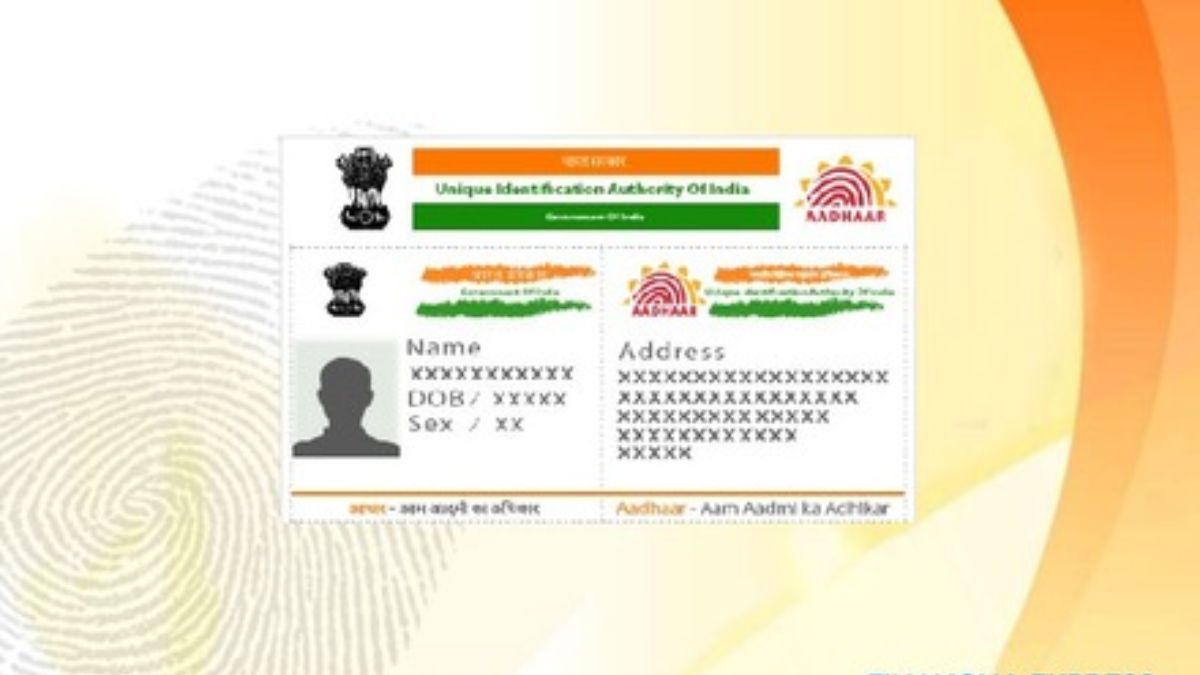
Imagine your Aadhaar card is like your digital ID.
To keep it working for online things, it needs your correct phone number.
If you need to change the number, you can't do it all by yourself online.
Instead, you need to go to a special Aadhaar center.
First, you book an appointment online.
Then, at the center, they check who you are with a fingerprint scan.
After they update your number, you pay a small fee and get a receipt.
This receipt has a special number you can use to see if the update is done.

Updating your mobile number in Aadhaar is essential for accessing online services.
You cannot change your mobile number online; biometric verification is required.
You must book an appointment online via the UIDAI portal.
At the Aadhaar Seva Kendra, officials perform biometric verification.
A service charge of ₹50 is applied for the update, with an acknowledgment receipt given.
- Who
- Aadhaar card holders needing to update their linked mobile number.
- What
- How to update the mobile number linked to an Aadhaar card.
- When
- Not specified, but for updates.
- Where
- Aadhaar Enrolment Centre or Aadhaar Seva Kendra.
- Why
- To ensure continued access to online Aadhaar-related services.
- Service
- Aadhaar Mobile Number Update
- Process
- Appointment booking and in-person verification
- Cost
- ₹50
- Online Access
- Via UIDAI website for appointment
- Verification
- Biometric at the centre