Archive · 11 Aug 2025
Microsoft Copilot 3D Converts Images Into 3D Models
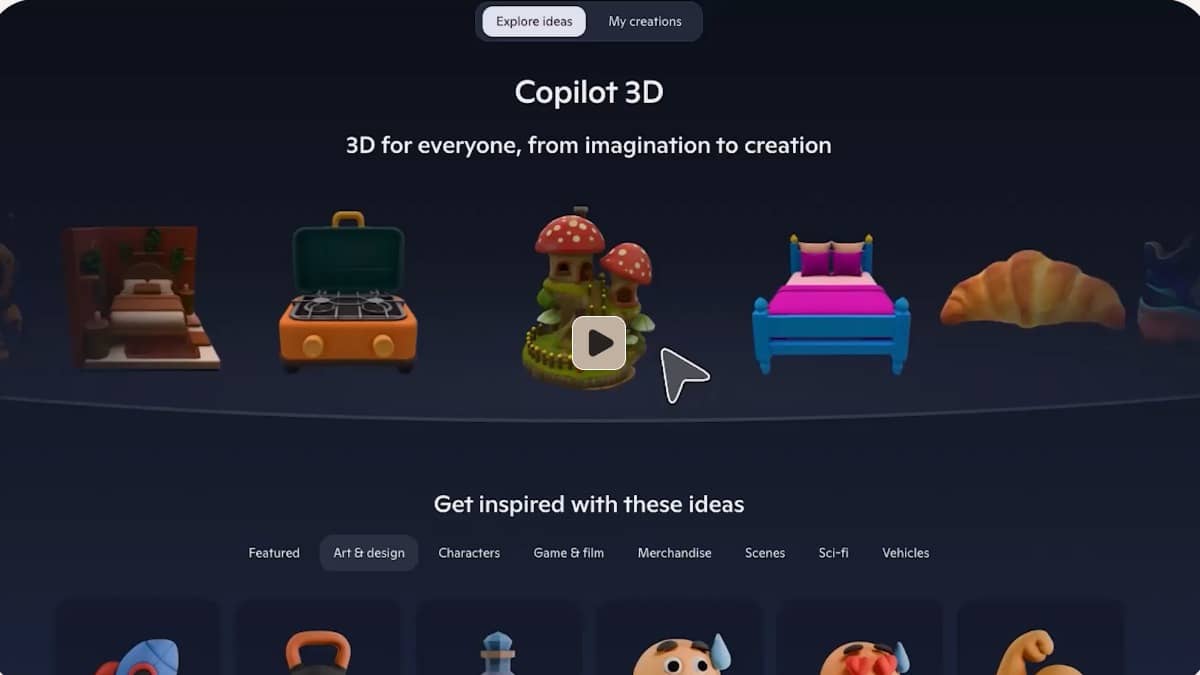
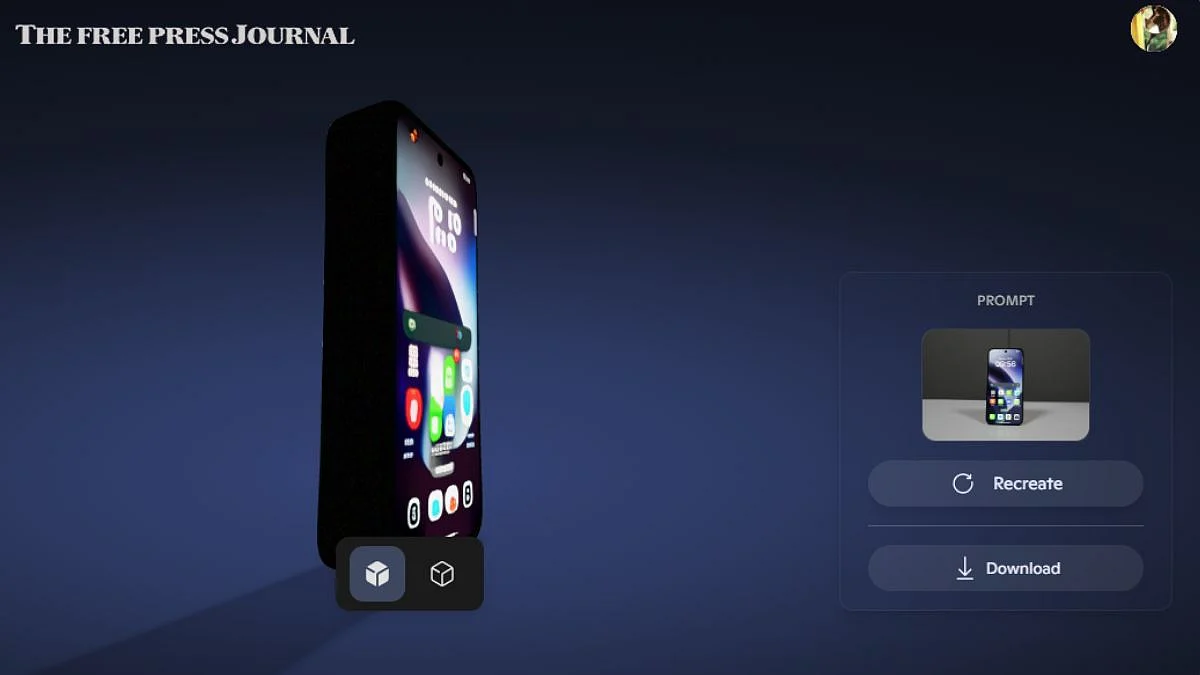
Microsoft's new tool, Copilot 3D, uses AI to turn your pictures into 3D models.
You give it a photo (JPG or PNG), and it makes a 3D version you can rotate.
It's found in Copilot Labs and is free if you have a Microsoft account.
Upload a picture, and the AI does the work.
Download these models for games, animation, or 3D printing.
It works best for objects with clear backgrounds.
The tool stores your 3D creations for about a month.

Microsoft launched Copilot 3D, an AI tool that converts 2D images into 3D models.
The tool is accessible through Copilot Labs and requires a Microsoft account.
Users can upload JPG or PNG images under 10MB to generate 3D models.
Generated models are saved in GLB format and stored for 28 days.
The tool works best with images that have clear background separation.
- Who
- Microsoft
- What
- Microsoft launched Copilot 3D to convert 2D images into 3D models.
- When
- Recently
- Where
- Available via Copilot Labs online
- Why
- To make 3D creation fast and accessible.
- Tool Name
- Copilot 3D
- Function
- Converts 2D images to 3D models
- Access
- Requires a Microsoft Account
- File Types
- JPG or PNG (under 10MB)
- Output Format
- GLB
- Storage Duration
- 28 days
- Part of
- Copilot Labs