

Science & Tech · Big Tech & Internet · 1 hr ago
Google Photos adds customization options to its Collections tab
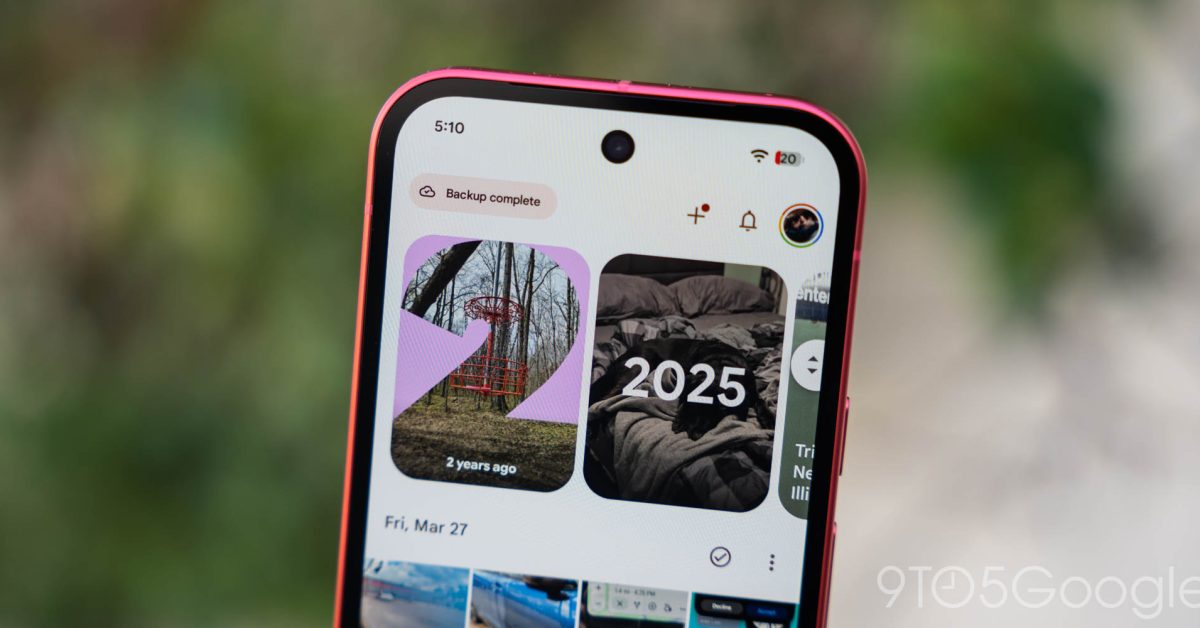
Google is rolling out a redesigned Collections tab in Google Photos for Android.
The update is appearing widely with version 7.97 of the app.
The new Pinned section lets users choose which cards to show, with Favorites, Screenshots and Trash included by default.
Users can also remove Pinned, hide other sections and rearrange their order.
A grid called Other Collections brings together items such as Videos, Archive and Locked.
The redesign replaces a layout that began with a fixed grid and included several large collection cards.
It gives users more control over how they find their photos and collections.

Google Photos for Android is rolling out a redesigned Collections tab with new customization options.
Users can choose which cards appear in the Pinned section or remove that section.
They can also hide collection sections and rearrange their order.
The redesign includes an Other Collections grid and a View all shortcut to the full grid or list.
The update is widely rolling out with Google Photos version 7.97.
- Who
- Google Photos users on Android.
- What
- The Collections tab is being redesigned to allow users to customize pinned cards, hide sections and change their order.
- When
- The rollout was reported on October 27, 2026.
- Where
- Google Photos for Android.
- Why
- Not stated.
This story does not have two clearly opposing sides.
Google Photos introduced a floating navigation bar.
9to5Google reported that the redesigned Collections tab was widely rolling out with Google Photos version 7.97.
- Platform
- Android
- App version
- Google Photos 7.97
- Default Pinned cards
- Favorites, Screenshots and Trash
- Other Collections grid
- Favorites, Screenshots, Moments, Videos, Recently Added, Stickers, Creations, Archive, Locked and Trash