

Science & Tech · AI · 2 hrs ago
Canva adds controls to turn off most generative AI features
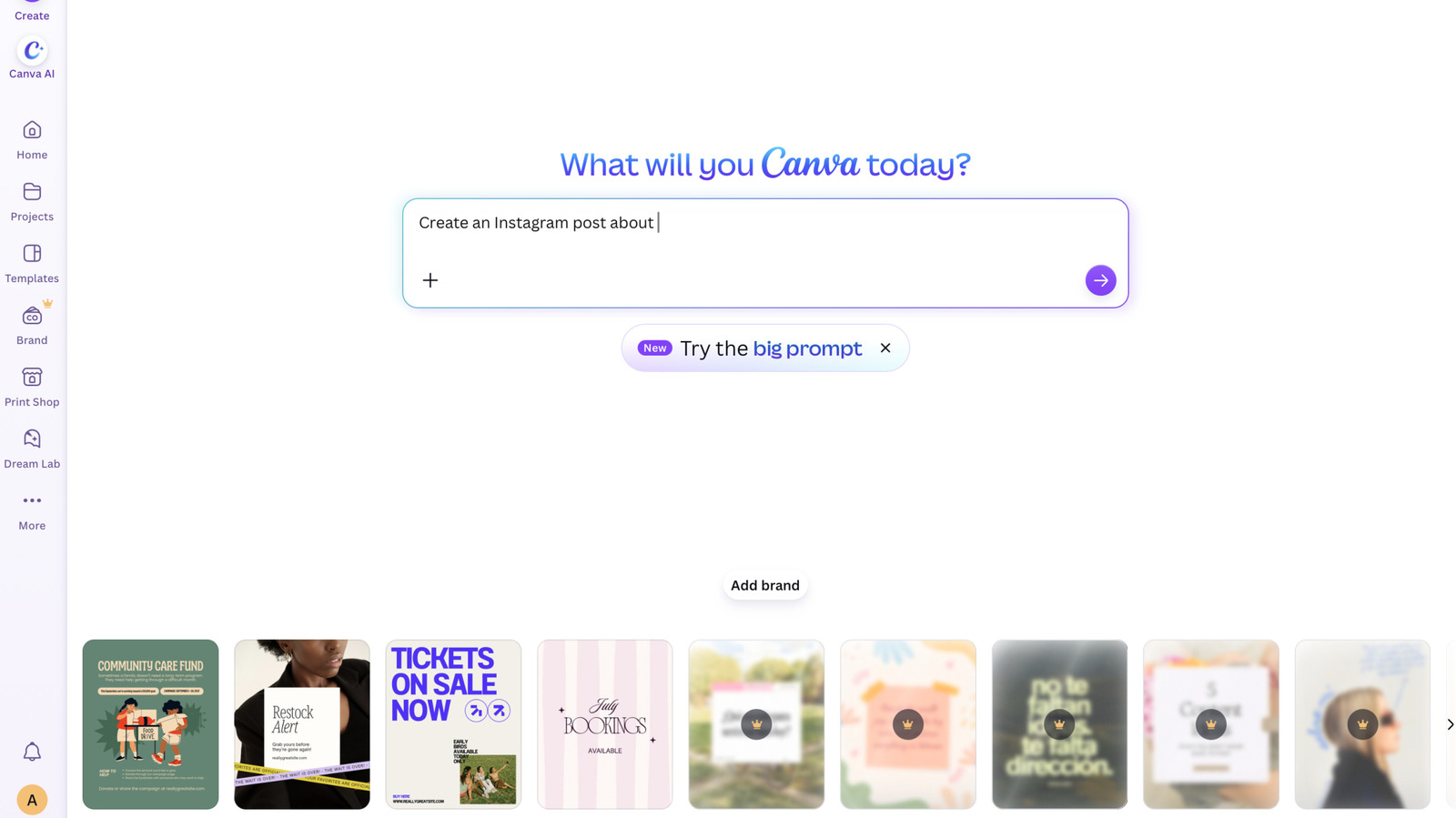
Canva is adding controls for generative AI across its design platform.
Free and Pro users can turn off the platform’s generative AI features or reduce how often AI-made images appear in library searches.
The search setting reduces, but does not eliminate, AI images from results.
Some AI-powered editing tools, including Background Remover and Magic Grab, will still work because they do not use generative AI.
The changes give users more choice over AI features and content in Canva.
Users can find the controls in their profile settings, under Permissions for generative AI tools and under AI personalization for library searches.

Canva is adding controls that let users turn off most generative AI features and reduce AI-generated content in its library.
The controls are available to both free and paid users.
Some AI-powered tools, including Background Remover and Magic Grab, remain available because they use content already in a design.
The library setting prioritizes human-created content but does not guarantee that AI-generated content will be excluded.
Users can find the controls in their profile settings.
- Who
- Canva is adding the controls for its users.
- What
- Users can disable most generative AI features and choose to see less AI-generated content in Canva’s library.
- When
- The controls were announced on November 19, 2026.
- Where
- The settings are in Canva’s profile settings.
- Why
- Some users have expressed frustration with the influx of AI features and asked for ways to turn them off.
This story does not have two clearly opposing sides.
Canva began a major push into AI.
Canva rolled out a prompt-powered editing update.
Canva launched its first in-house AI model, Canva Craft.
Canva announced controls to switch off most generative AI features and see less AI-generated library content.
- Availability
- Free and paid users
- Generative AI setting
- Profile > Settings > Permission
- Library setting
- Profile > Your account > AI personalization
- Tools that remain available
- Background Remover and Magic Grab
- Library effect
- Shows human-created content first; does not completely block AI-generated results
3 sources
What people are saying
Both remain available when the generative AI switch is off, because they work only with what’s already in a design.