

Science & Tech · Big Tech & Internet · 30 mins ago
Apple Watch taps your wrist with turn alerts when linked to CarPlay
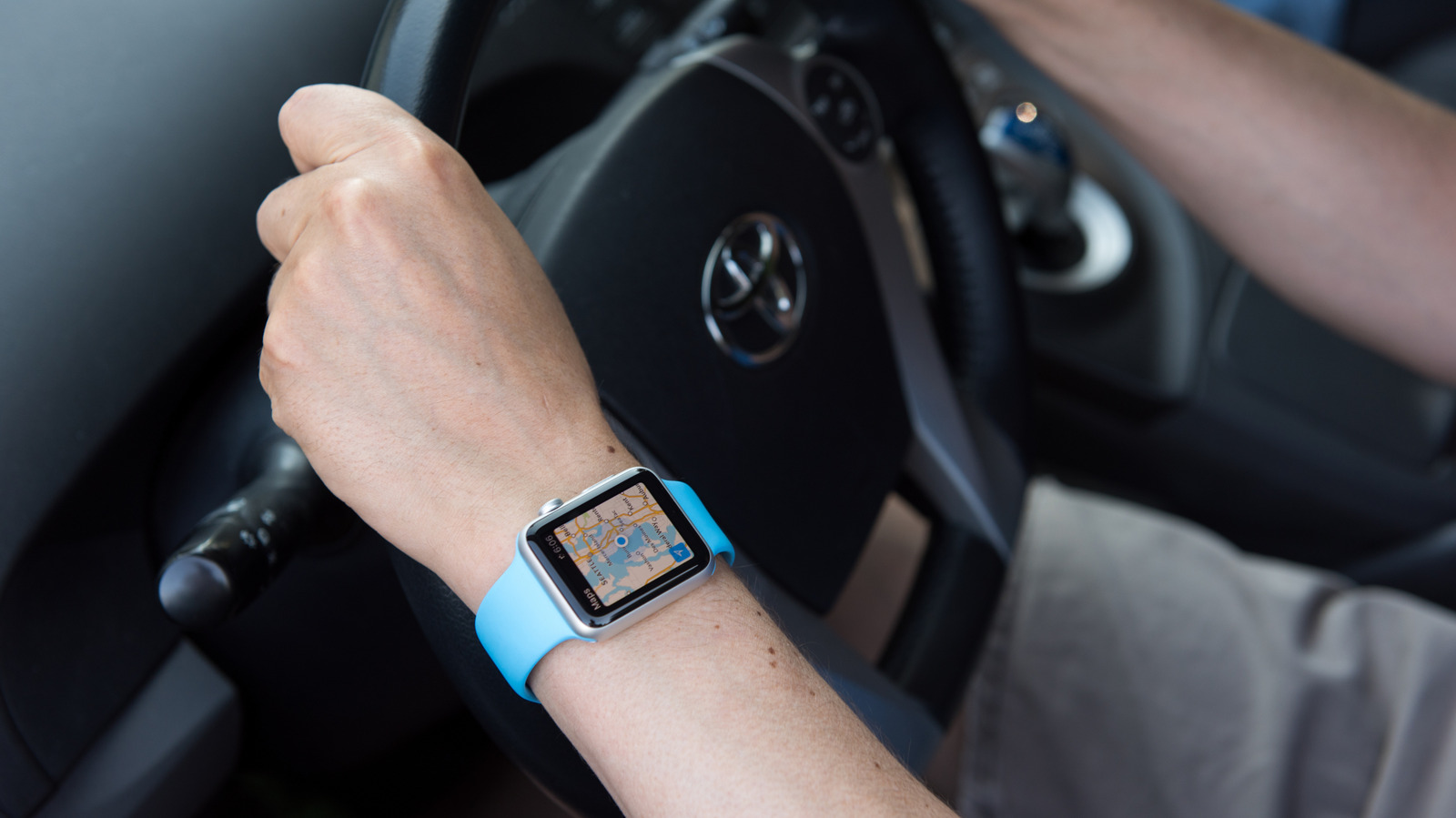
An Apple Watch can tap your wrist before a turn when it is linked to Apple CarPlay and using Apple Maps.
The vibrations work alongside the car’s audio and visual directions, and different patterns can signal left and right turns.
The alerts can help drivers notice directions without relying only on the car’s screen or sound.
They are usually switched on by default, and can be checked or turned off in the Watch app on an iPhone under My Watch, Apps, then Maps.
The watch cannot run CarPlay on its own, though it can provide directions through its own version of Apple Maps.
Without an iPhone, that requires downloaded offline maps or an Apple Watch with an active cellular plan; Google Maps directions on the watch require an iPhone.

An Apple Watch linked to CarPlay can tap a driver’s wrist when a turn is approaching.
The haptic alerts accompany CarPlay’s audio and visual directions.
Drivers can choose different vibration patterns for left and right turns.
The alerts are usually on by default and can be checked or changed in the Watch app on an iPhone.
An Apple Watch cannot run CarPlay on its own.
- Who
- Drivers using an Apple Watch linked to CarPlay.
- What
- The watch taps the user’s wrist when a turn is approaching.
- When
- When a turn is imminent during navigation.
- Where
- In a vehicle using Apple CarPlay and an Apple Watch.
- Why
- To provide turn guidance through haptic alerts alongside CarPlay’s audio and visual directions.
This story does not have two clearly opposing sides.
This story does not have a timeline yet.
- Alert type
- Haptic taps on the wrist
- Navigation system
- Apple CarPlay
- Settings location
- Watch app on iPhone, under My Watch, Apps, then Maps
- Turn patterns
- Different vibration patterns can indicate left or right turns
- Standalone CarPlay
- Apple Watch cannot run CarPlay on its own